ZienKlaar
Language

Ready to see. Ready to sell.

Ready to see.
Drag the handle ↔Start free
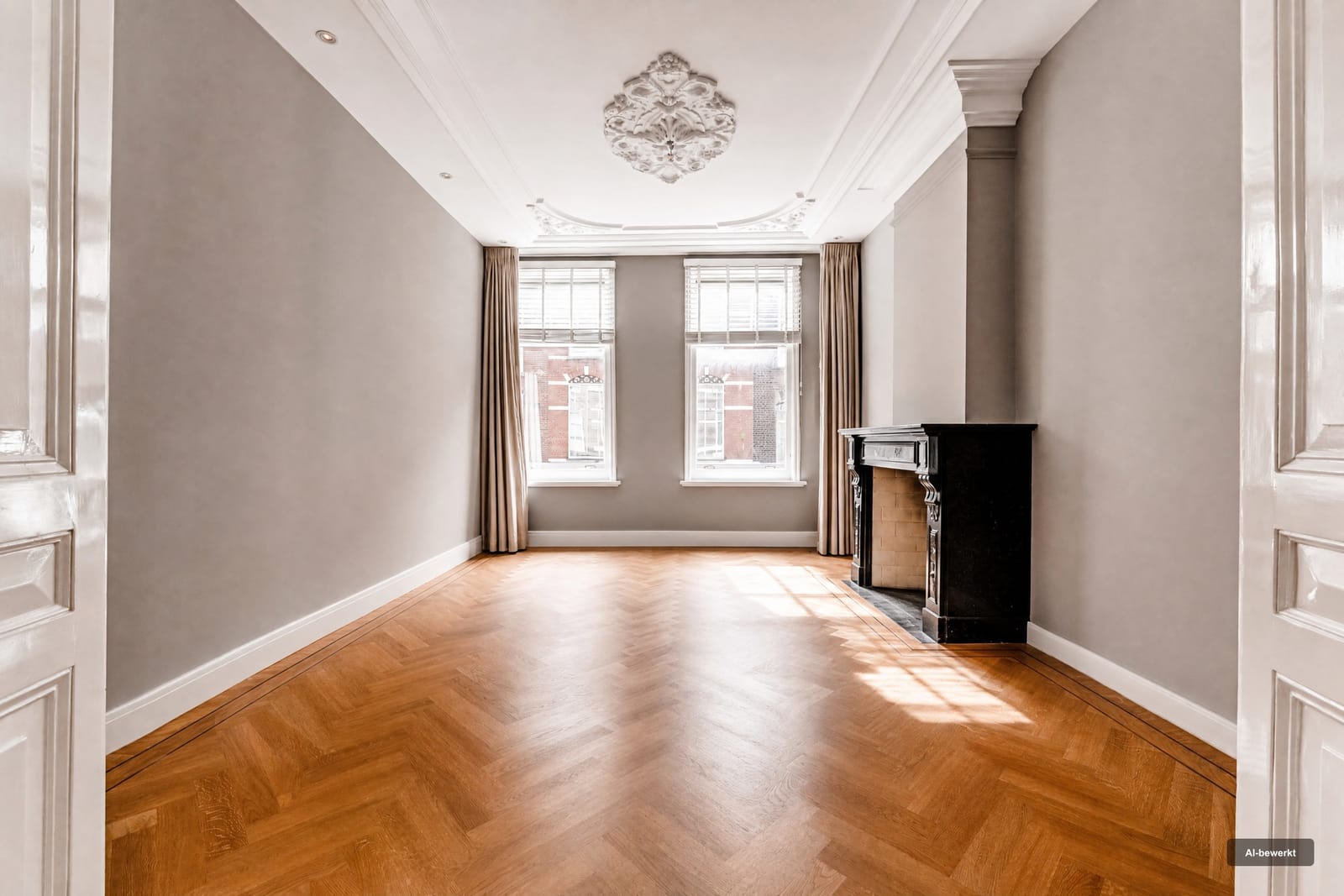
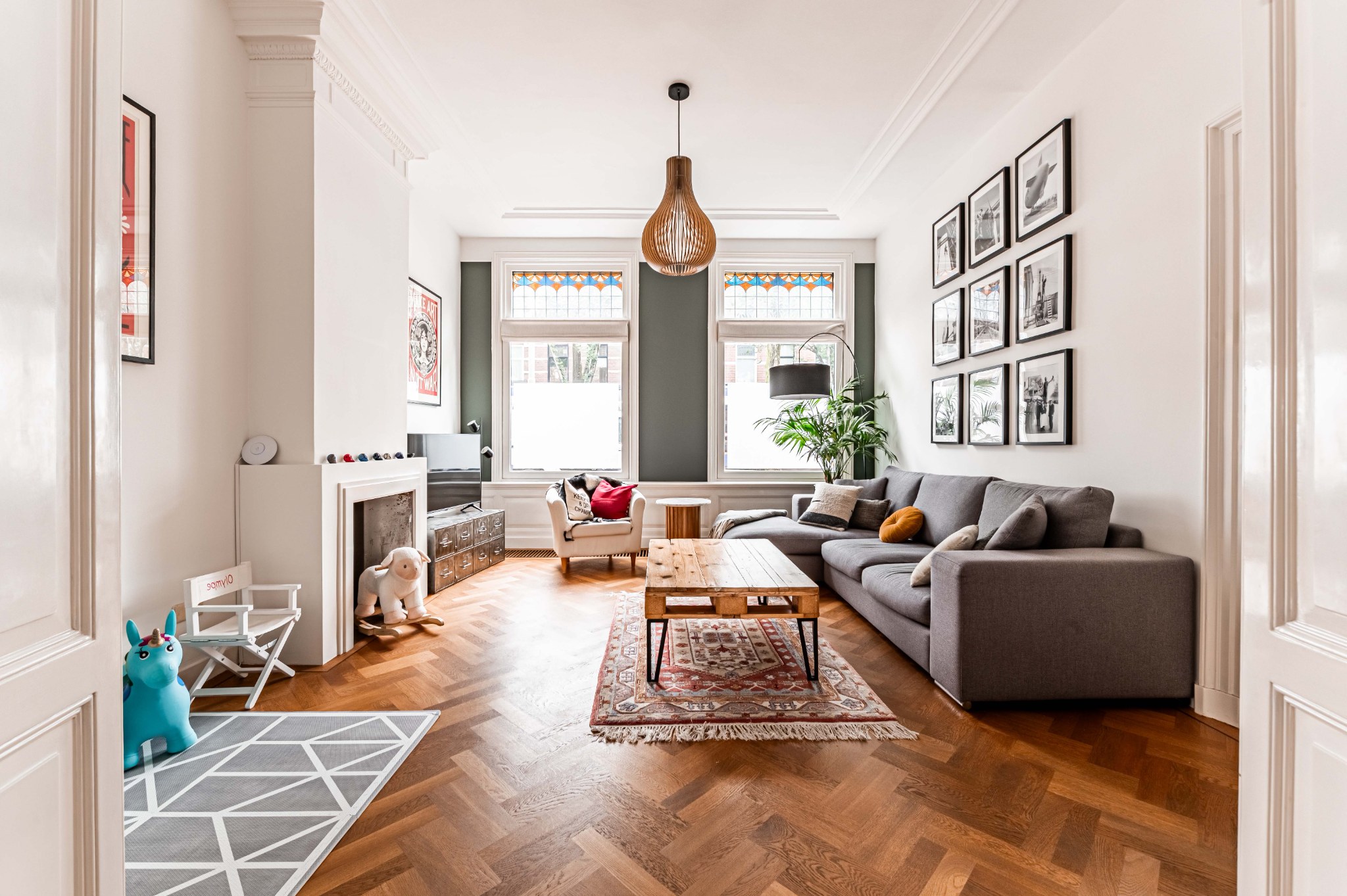
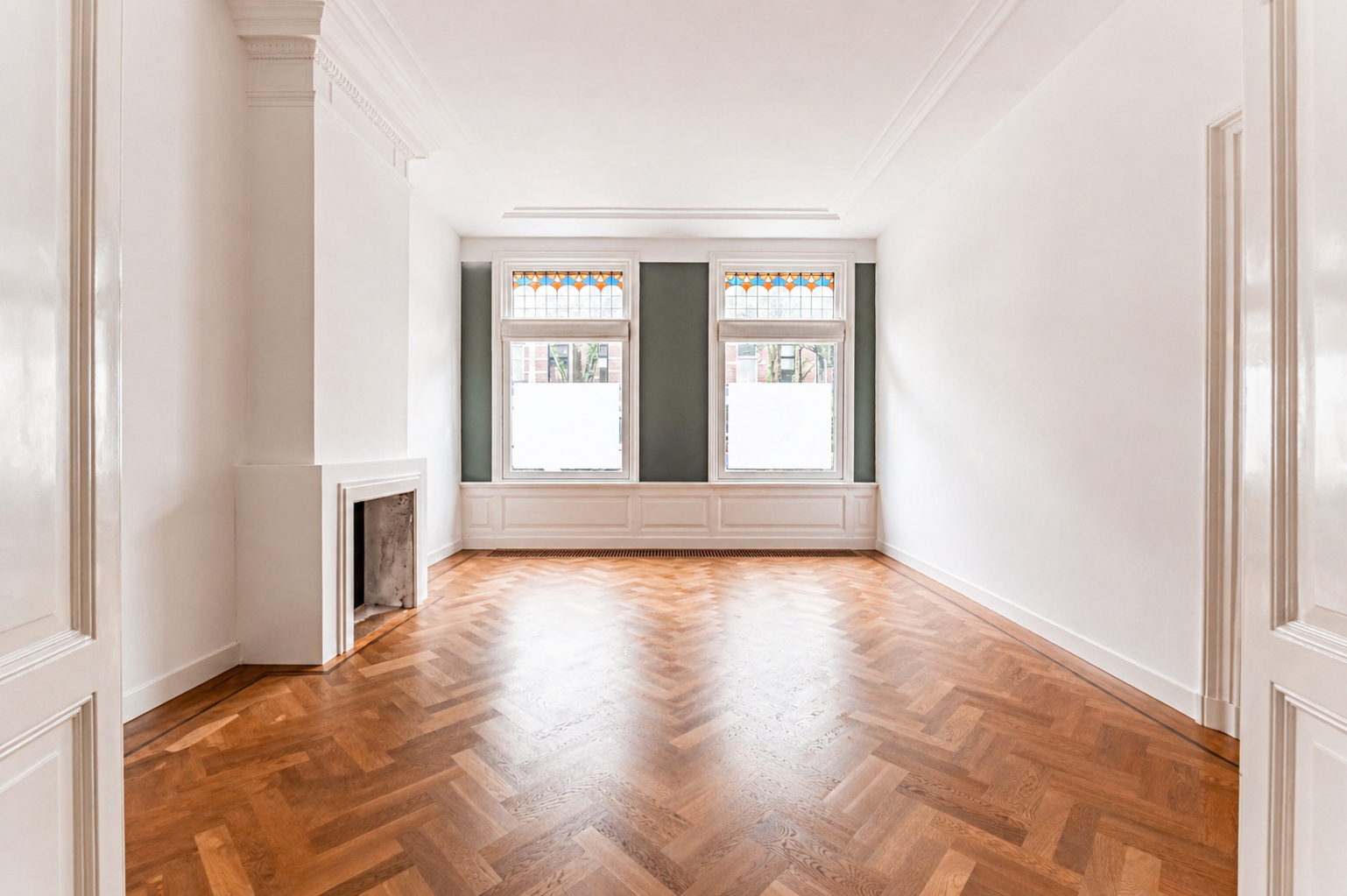
Empty living room
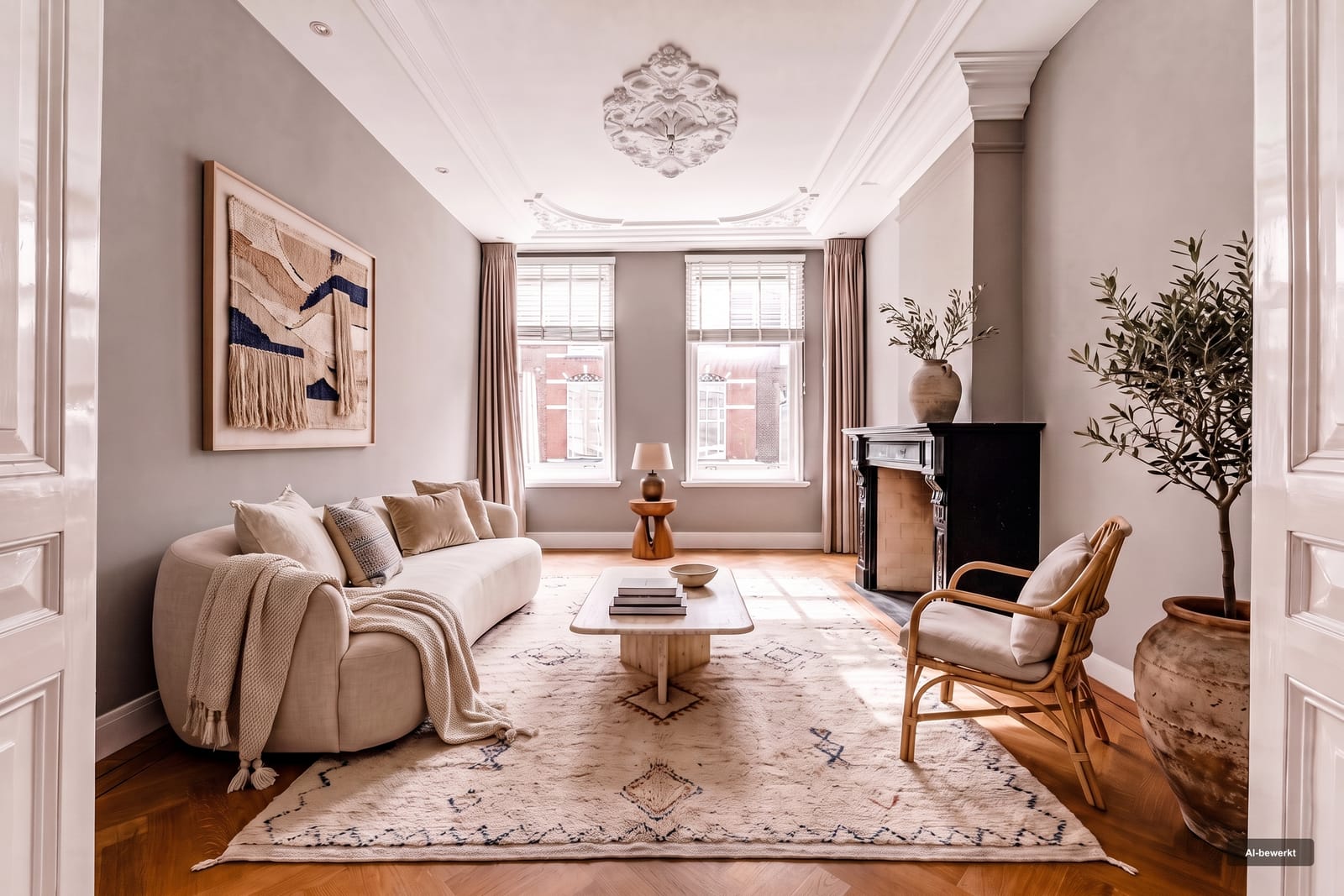
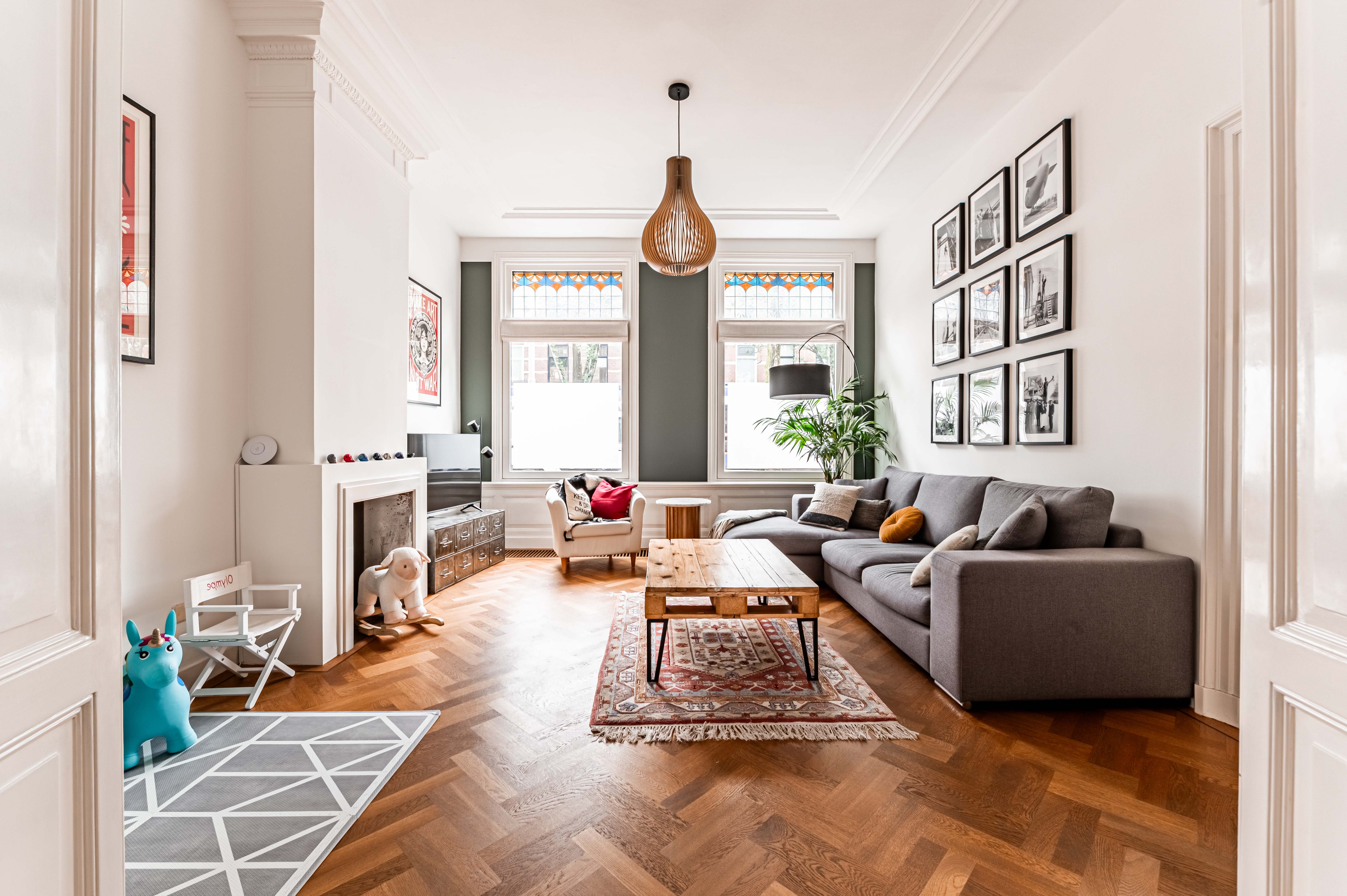
The same room, virtually staged

Ready to see. 

Add your style to every listing.

Clear SpaceRestyleReimagineGarden+
The functions

Drag to see the difference

Clear Space

Removes all furniture and distractions. Architecture stays intact.

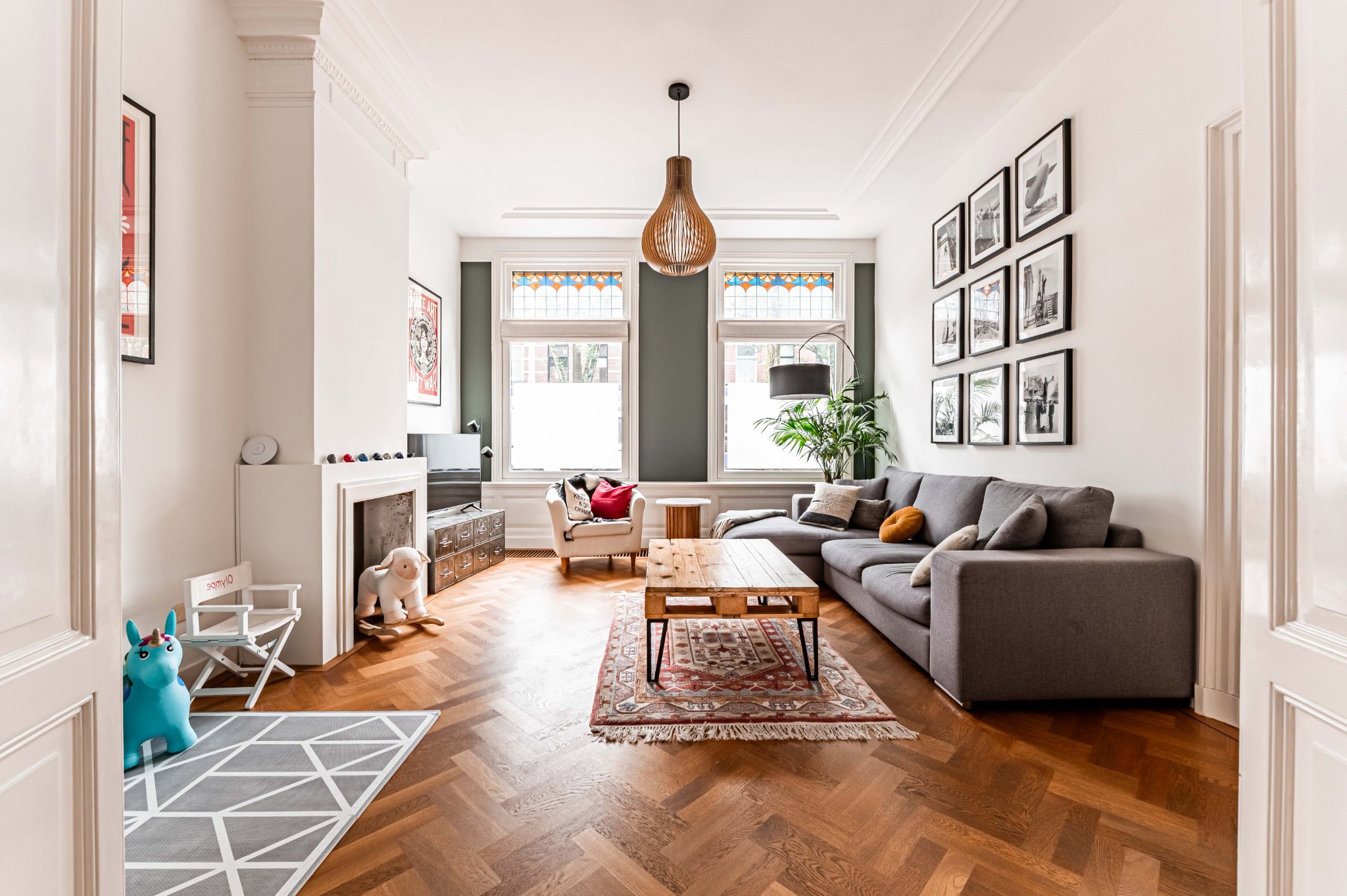
BeforeAfter
Try Clear Space

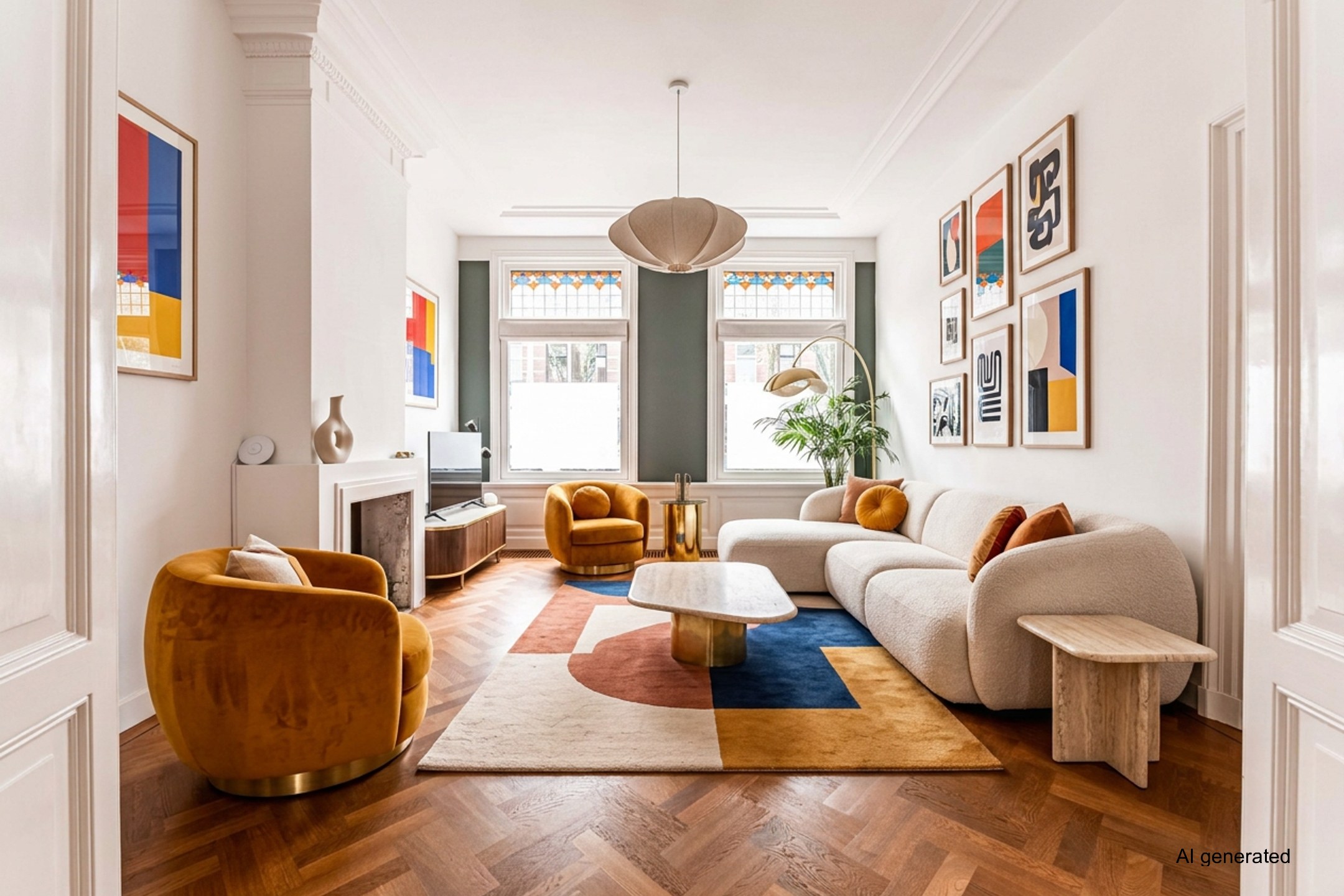
Restyle

Same space, new style — the room keeps its function.

BeforeAfter
Try Restyle

Reimagine

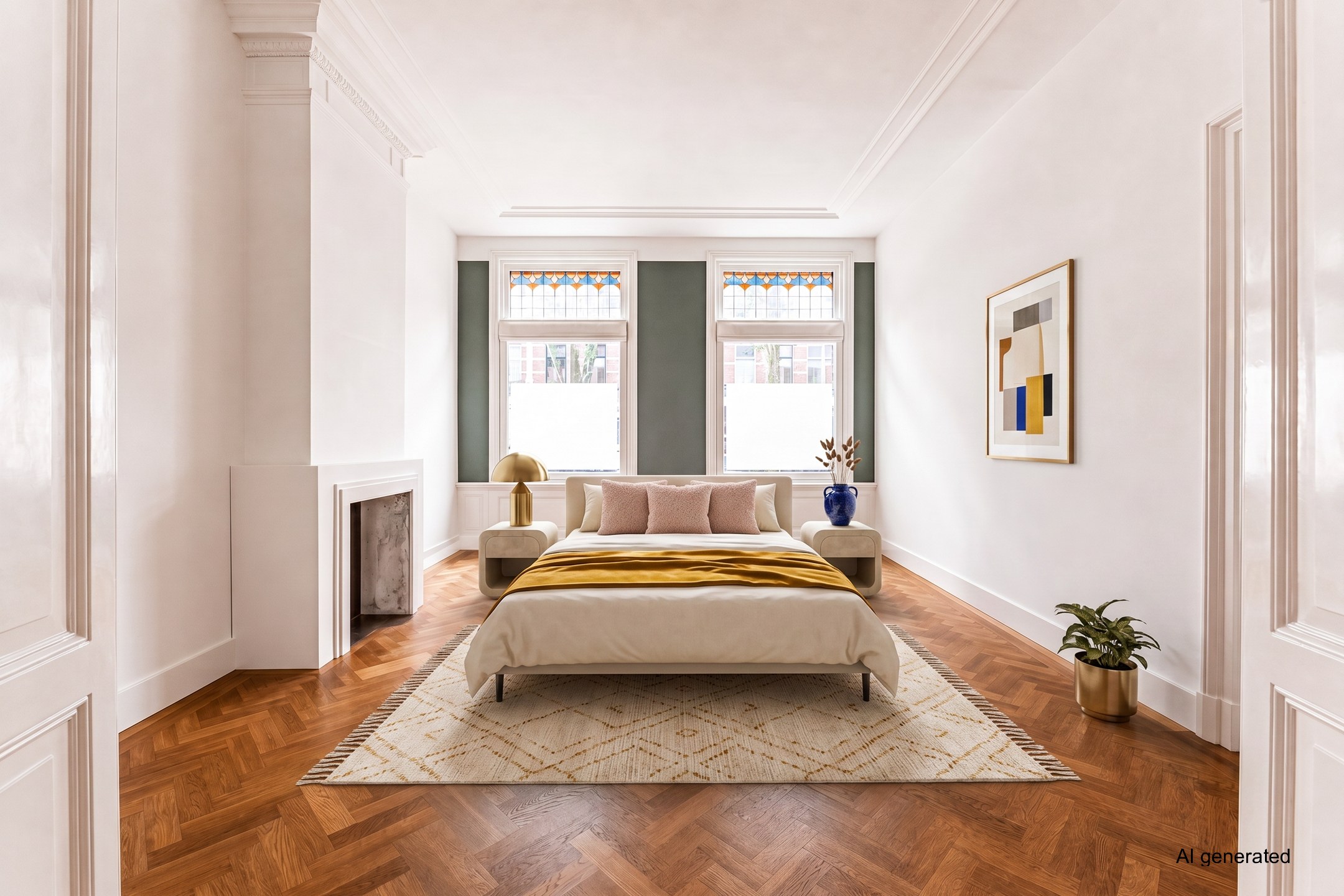
Same space, new purpose — from living room to bedroom.

BeforeAfter
Try Reimagine

Garden+

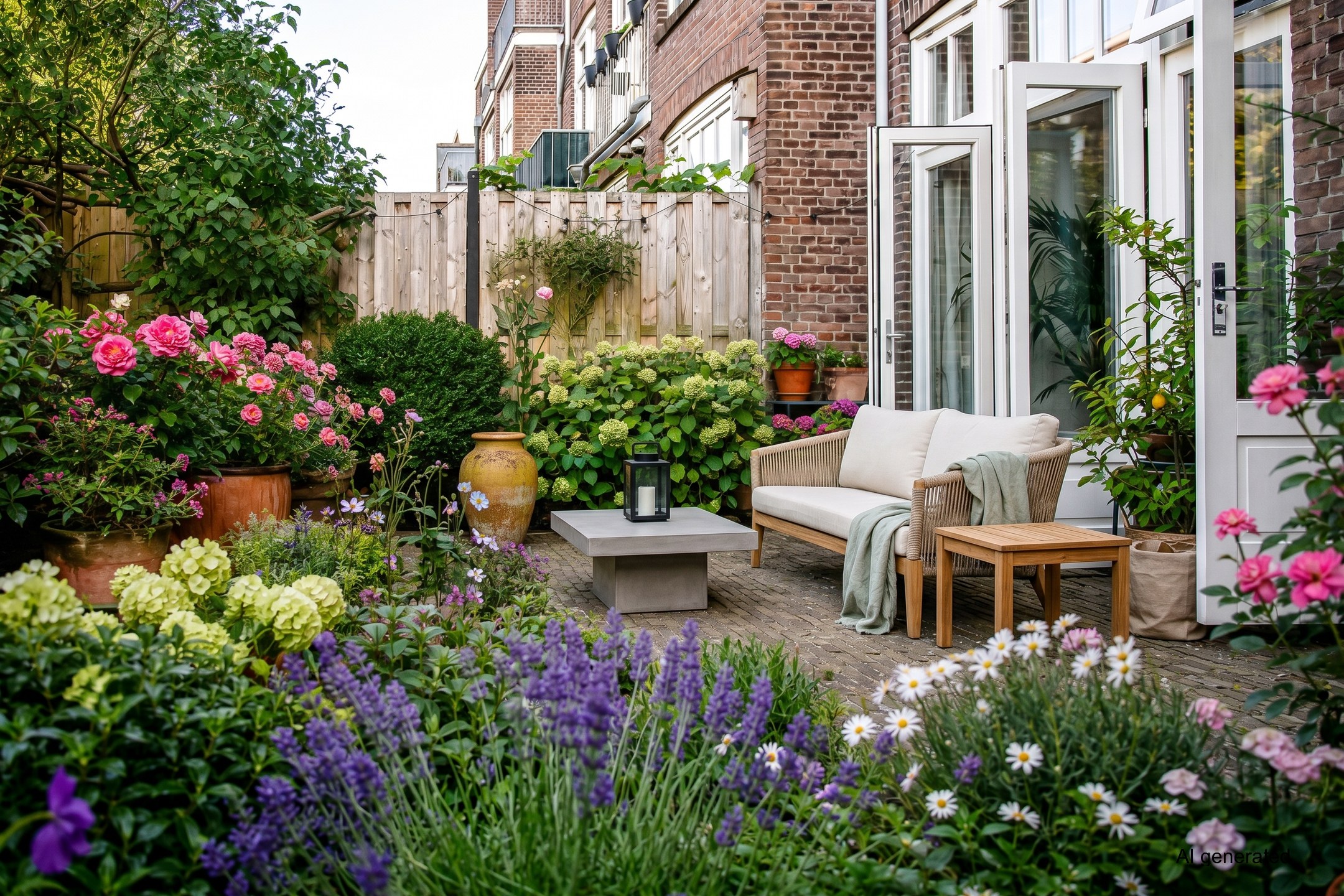
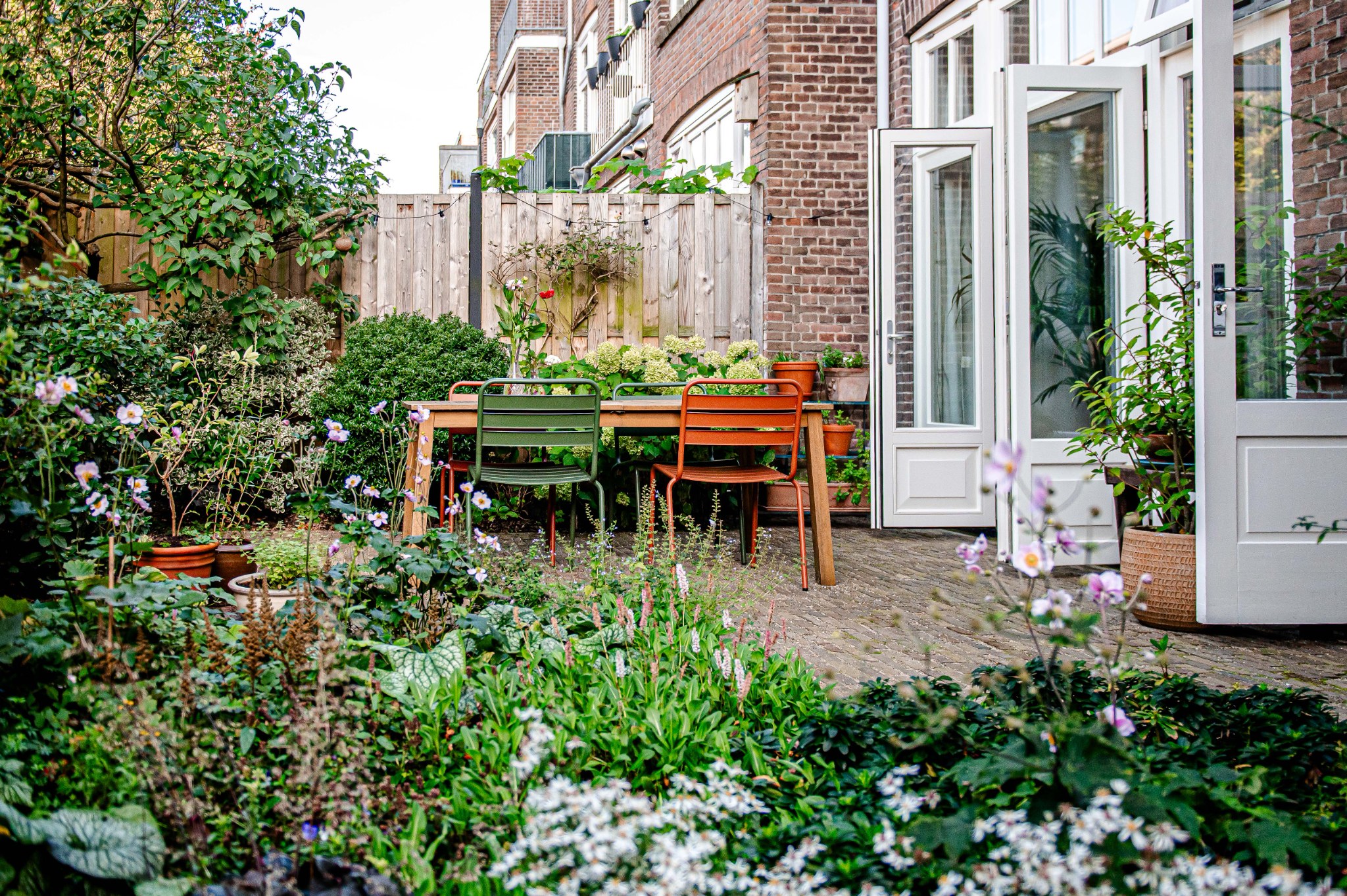
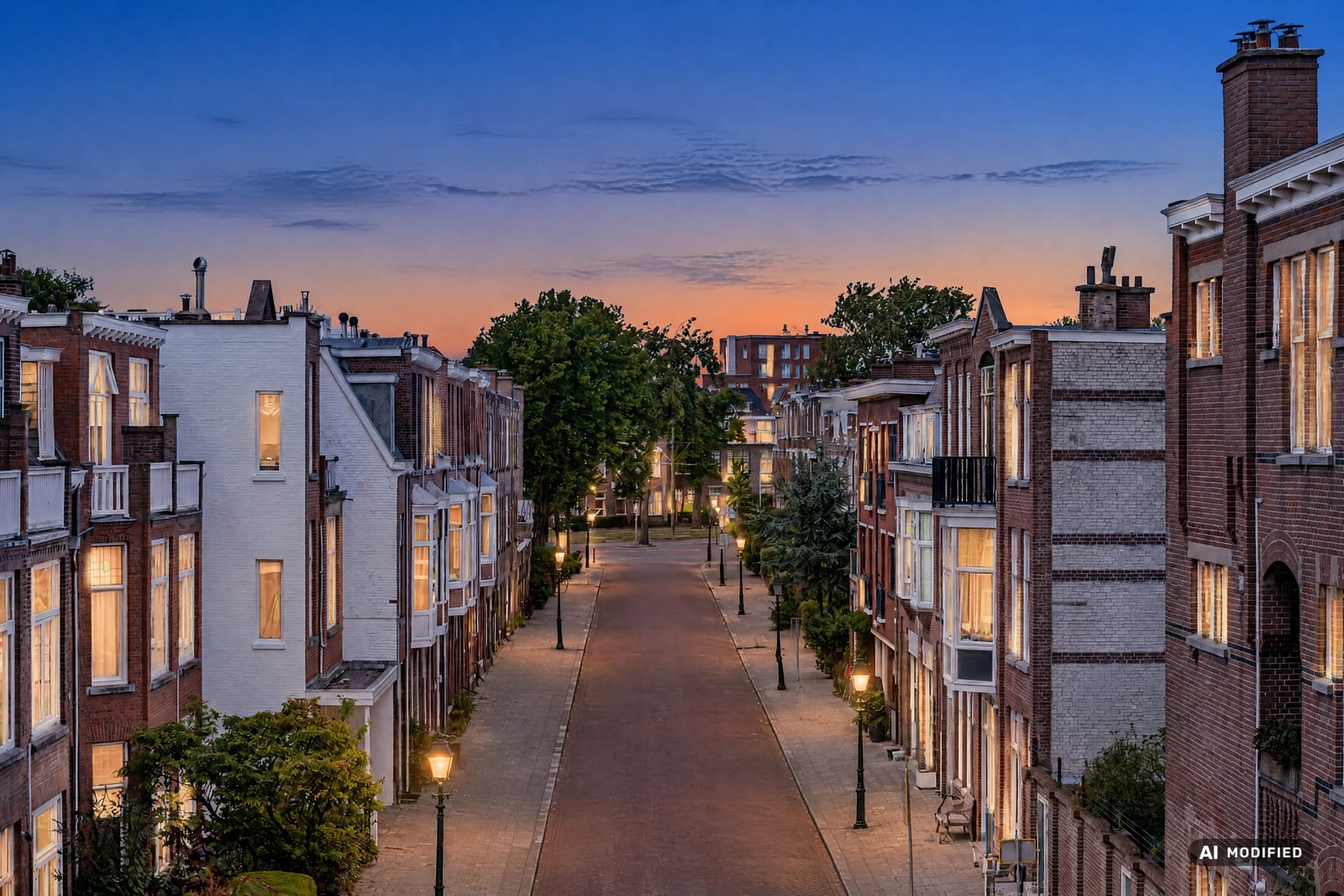
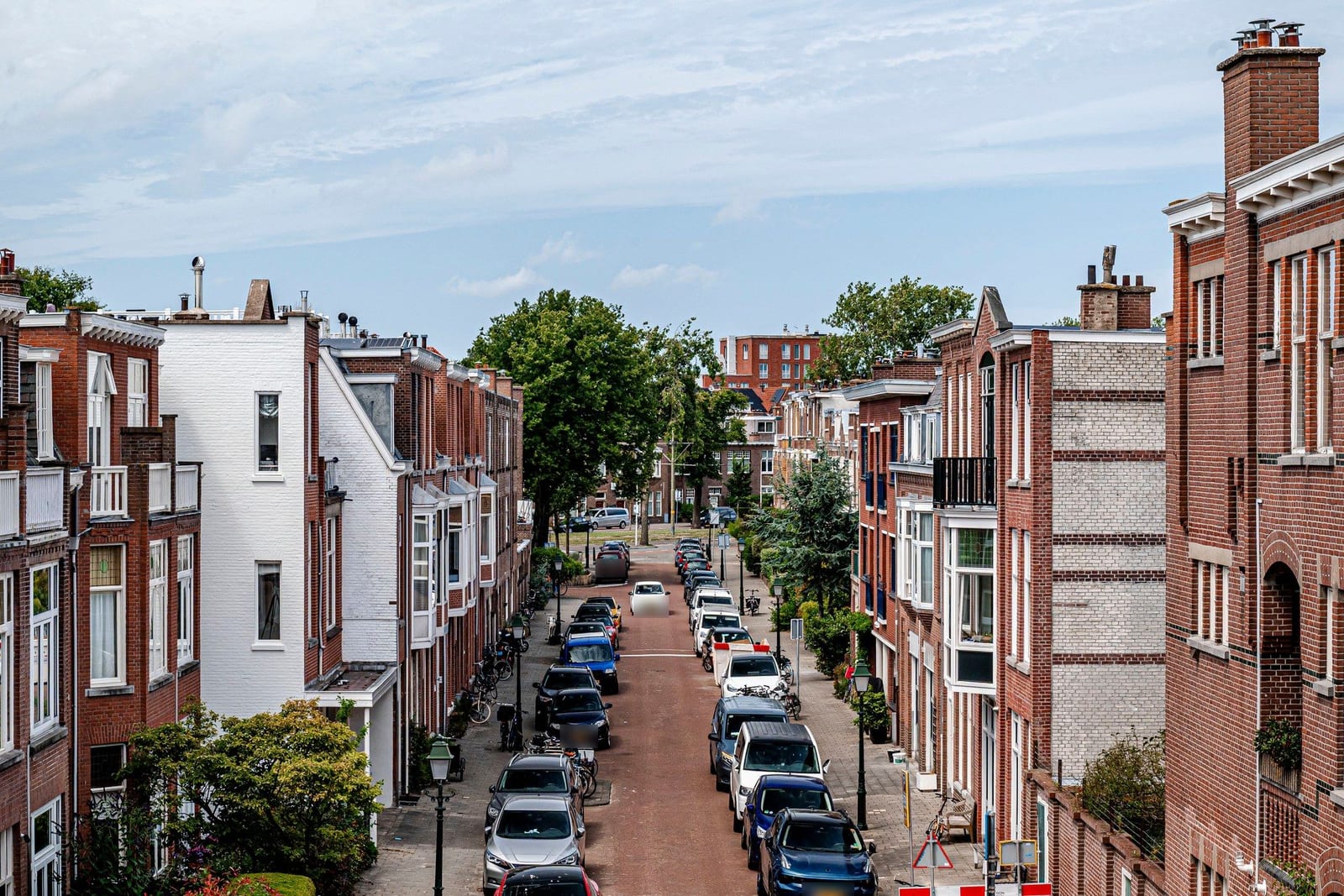
Lusher planting, or a full restyle with new garden furniture — grey sky becomes blue.

BeforeAfter
Try Garden+
Pick a function

See each functionclick a tab to switch the photo below.

BeforeAfter — virtually staged with AI watermarkClear SpaceBeforeAfter

All furniture gone — architecture intact.Try Clear Space

The functions

Four functions, one workflow

Workflow

From photo to sale-ready

Choose your function

Clear Space, Restyle, Reimagine or Garden — indoors or outdoors.

Answer & upload

Pick a style or describe your own vision, then drop in your photo.

Download your result

Website- and Instagram-ready, usually within 1–3 minutes. 4K optional for print.

New

Turn your staging into a video

Video listings get more engagement. Turn any finished result into a short before-and-after video with one click — a gold slider sweeps from your original photo to the final result, ready to share on social.

Before-and-after reveal
A gold slider sweeps from your original photo to the final result. Deterministically rendered — reliable and instant, no AI video hallucination.
16:9 and 9:16
Landscape for your website and YouTube; portrait for Instagram Reels, TikTok and Stories.
Your own logo
Upload your logo once in settings and toggle it on or off per video on a short outro.
1 credit per video
Each video costs 1 credit and carries the visible AI watermark, just like your photos.
Pricing

Pick your bundle, cancel monthly

All prices include VAT.

ZienKlaar Basic
17.95/month
30 credits
ZienKlaar Pro
67.95/month
150 credits
ZienKlaar Agency
179.95/month
450 credits

Frequently asked questions

Why use ZienKlaar?+

Better presentation increases click-through rates and generates more interest on platforms like Instagram and listing sites. ZienKlaar helps your listing stand out with your own style. For an interior designer, a tool that gives direction to a project. For a real estate photographer, a new product to offer clients.

What can ZienKlaar do?+

Four functions. Clear Space removes all furniture and leaves the room empty — architecture stays intact. Restyle gives the same room a new style while keeping its function. Reimagine empties the room first, then furnishes it for a new purpose. Garden enhances the planting (Garden) or does a full restyle with new garden furniture (Garden+).

What does Restyle do?+

Restyle keeps the room's function and gives it a new style — pick a preset or describe your own vision, for example "light Scandinavian mood, natural wood and lots of greenery". The space stays the same room, in the mood you have in mind.

What does Reimagine do?+

Reimagine works in two steps. First all furniture is removed, just like Clear Space. Then the space is furnished for a new purpose you choose — for example an empty study that becomes a kids room.

What do Garden and Garden+ do?+

Garden enhances the existing planting: plants become greener and fuller and a few seasonal flowers and one decorative pot appear. Structures, paving and garden furniture stay untouched. Garden+ goes further: it removes existing garden furniture and places new furniture in the mood you choose — for example "Ibiza vibe with a wooden lounge sofa and lanterns". In both, a grey or overcast sky becomes a clear blue sky — a sky that's already blue is left alone.

Can I turn my staging into a video?+

Yes. With the Transformation video you turn any finished result into a short before-and-after video: a gold slider sweeps from your original photo to the final result. Choose landscape (16:9) for your website or YouTube, or portrait (9:16) for Instagram Reels, TikTok and Stories. One video costs 1 credit. Your videos stay with the photo: you'll find them again in the same window and can re-watch, download or share them without spending another credit.

Can I put my own logo on the video?+

Yes. Upload your logo once in your settings; after that you can toggle it on or off per video. When it's on, it appears on a short outro card at the end of the video.

Does the video also carry an AI watermark?+

Yes. Just like the photos, every Transformation video carries the visible, non-removable AI watermark, in line with the transparency requirement of the EU AI Act (Article 50).

Do I need to disclose that a photo is AI-edited?+

Yes. Under the EU AI Act (Article 50), AI-edited imagery must be recognisable. ZienKlaar automatically adds a visible AI watermark to every image; also note it in the listing description, e.g. "Photos have been digitally edited for impression."

Are AI-edited photos marked?+

Yes. Every generated image automatically carries a visible, non-removable AI watermark indicating that the photo was edited with AI. This meets the transparency requirement of the EU AI Act (Article 50).

Are my photos stored?+

Yes. Your processed photos are safely stored in your personal gallery so you can always find and download them. You can delete them yourself at any time. You can keep your photos stored for a maximum of 30 days — after that they are automatically deleted.

I'm not an agent, designer or photographer. Can I still make an account?+

Yes, absolutely. Anyone can create an account and process photos. All prices include 21% VAT, so you pay exactly the amount shown on the pricing page. Buying as a business? The amount excluding VAT is shown right below it.

How long does a generation take?+

Clear Space and Garden process in an average of 60–90 seconds per photo. Restyle, Reimagine and Garden+ work in multiple steps and take an average of 2–3 minutes. The first photo of the day may take slightly longer as the server starts up.

ZienKlaar is designed and trained for the real estate professional workflow. For best results, use landscape (horizontal) photos. The AI can make mistakes — always check the result before publishing.

Ready to sell?

3 free credits · No credit card · Cancel anytime